Schema Studio
Paste a Postgres schema, see it drawn, and get it reviewed three ways.
Visit the live site (opens in a new tab)Read the source on GitHub (opens in a new tab)
- When
- May 2026
- My part
- Design and build, solo
- Status
- Prototype
- Built with
- Next.js, React Flow, Postgres on Neon, Clerk, Claude API
schema.sql pasted as text
CREATE TABLE members (
  id         uuid PRIMARY KEY,
  name       text NOT NULL,
  email      text NOT NULL,
  phone      text,
  created_at timestamptz NOT NULL DEFAULT now()
);

CREATE TABLE books (
  id     uuid PRIMARY KEY,
  isbn   varchar(13) NOT NULL,
  title  text NOT NULL,
  shelf  text
);

CREATE TABLE loans (
  id           uuid PRIMARY KEY,
  borrower_id  uuid NOT NULL REFERENCES members(id),
  book_id      integer,
  member_name  text NOT NULL,
  member_email text NOT NULL,
  member_phone text,
  due_on       date NOT NULL,
  returnedOn   date
);
A schema goes in as text and comes back as a drawing.
Who decides what
13
checks are plain code. Same schema in, same findings out.
Looks for a table with no primary key
A model adds one more opinion. It sees names and types, never rows, credentials or connection strings.
Out in your own tooling
- alembic/versions/001_0000_loans_book_id_looks_like_a_foreign_key.py
One finding, drafted for the tool you already use.
Three ways in, no password
Paste the SQL
Upload a dump
Run one query
It is handed the structure. It never connects to the database.
99
unit tests, on the parser, every rule and each format.
Still a prototype
- No sign-in yet
- Postgres only
- Normal forms are inferred
Every screen
Three are the app as designed, with sample data. Ten are the live site, captured in November 2026. The app’s own pages cannot be opened yet, so none are shown.
Canvasdesign mockup 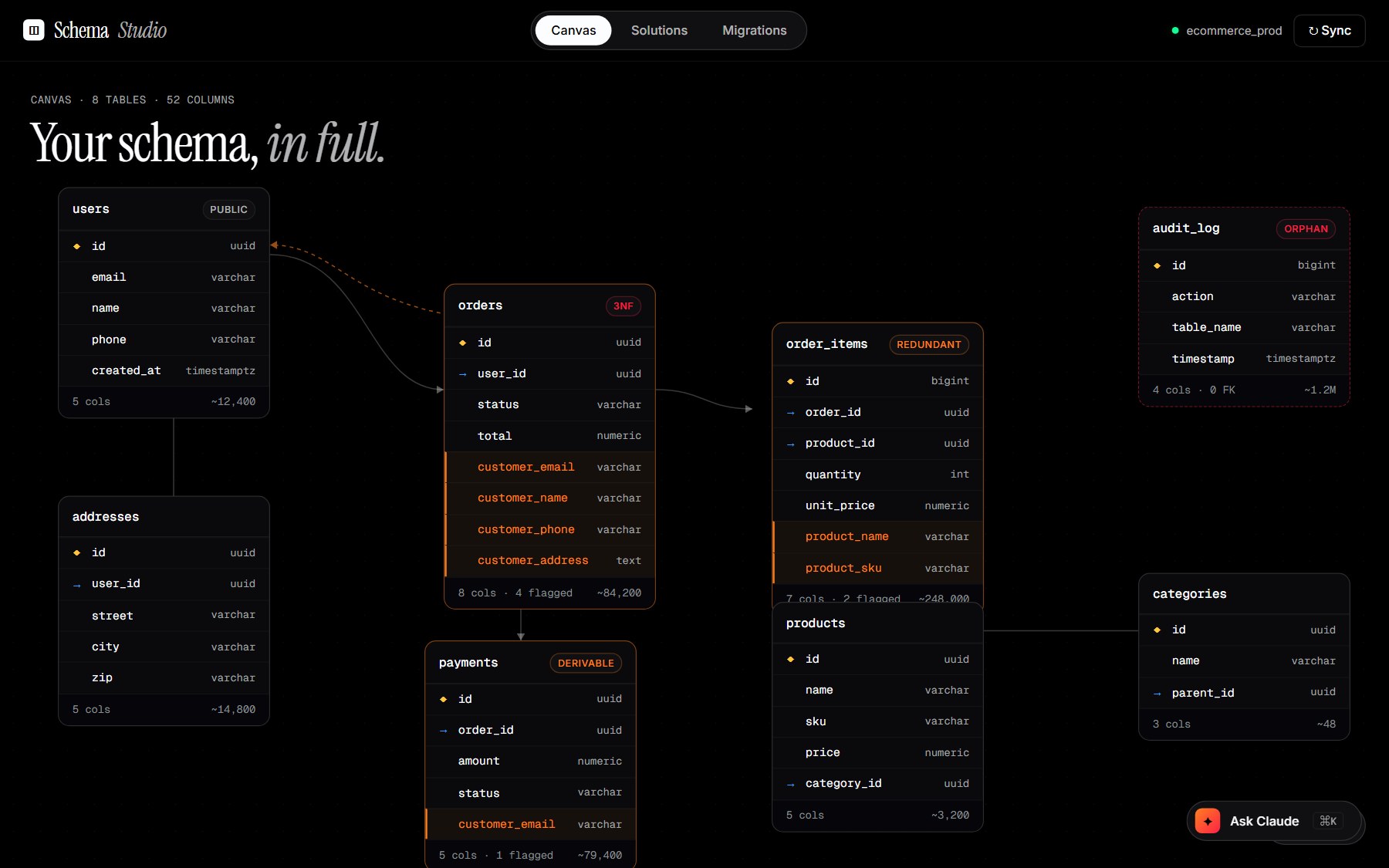
Solutionsdesign mockup 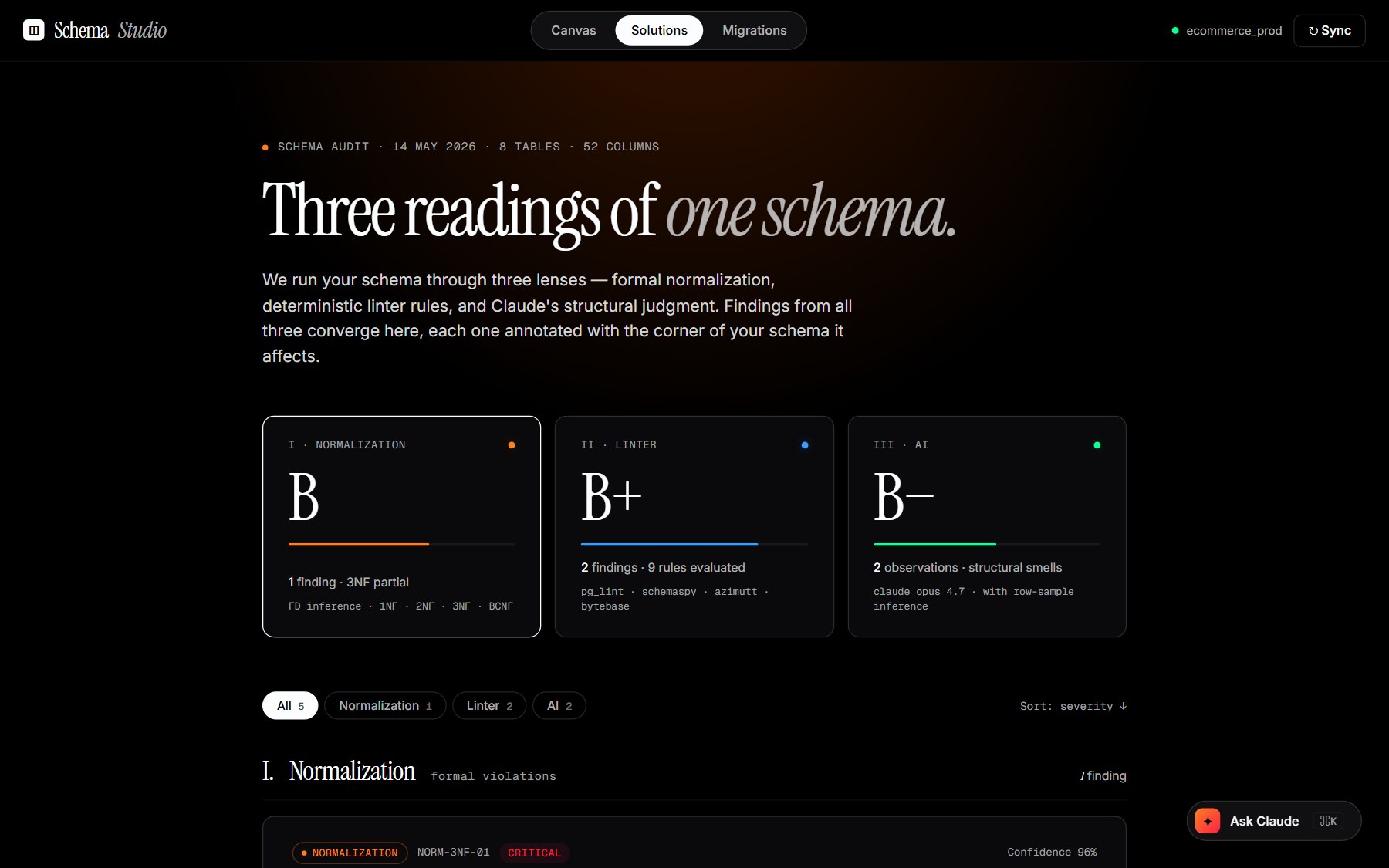
Migrationsdesign mockup 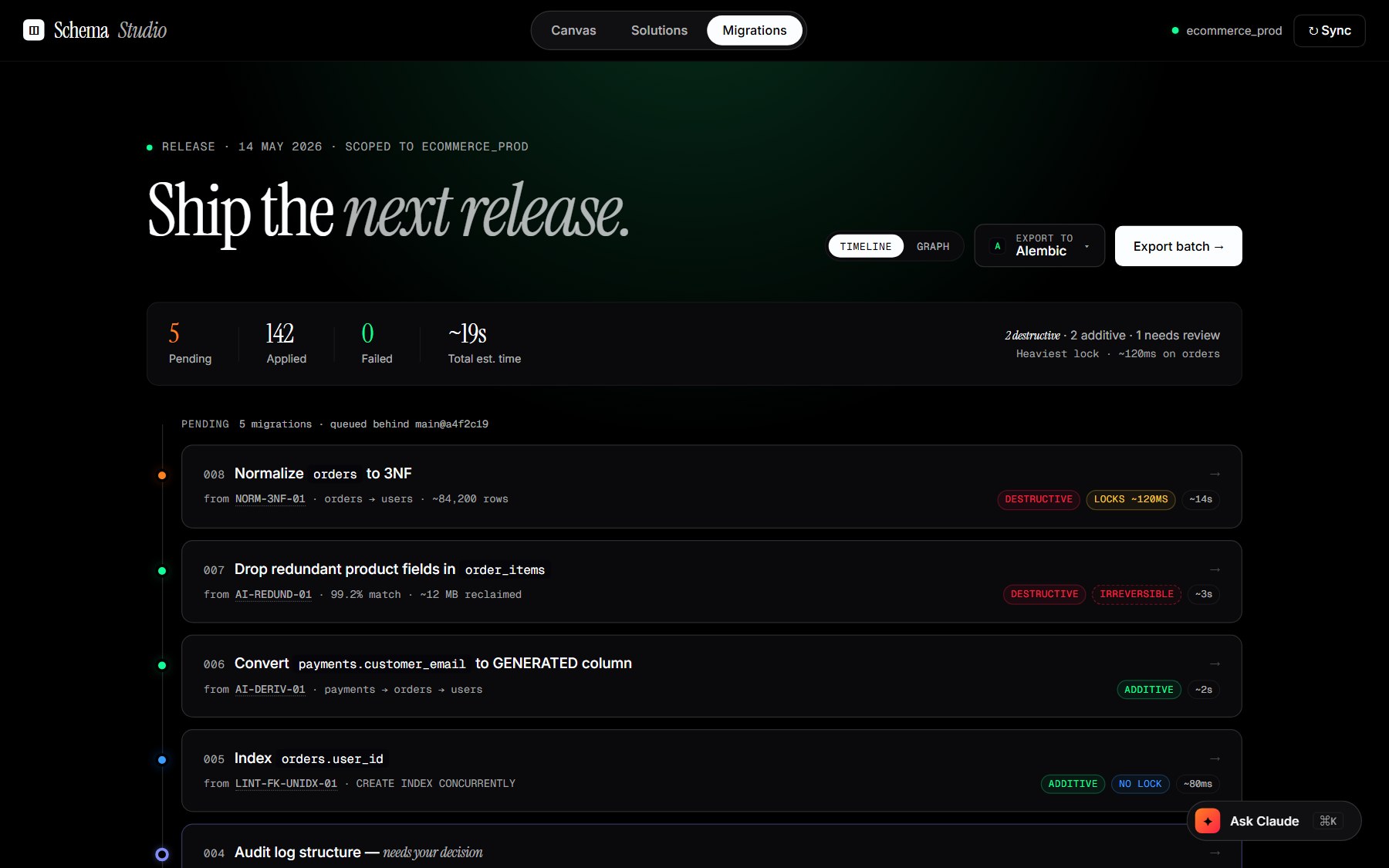
Landinglive, 1 of 10 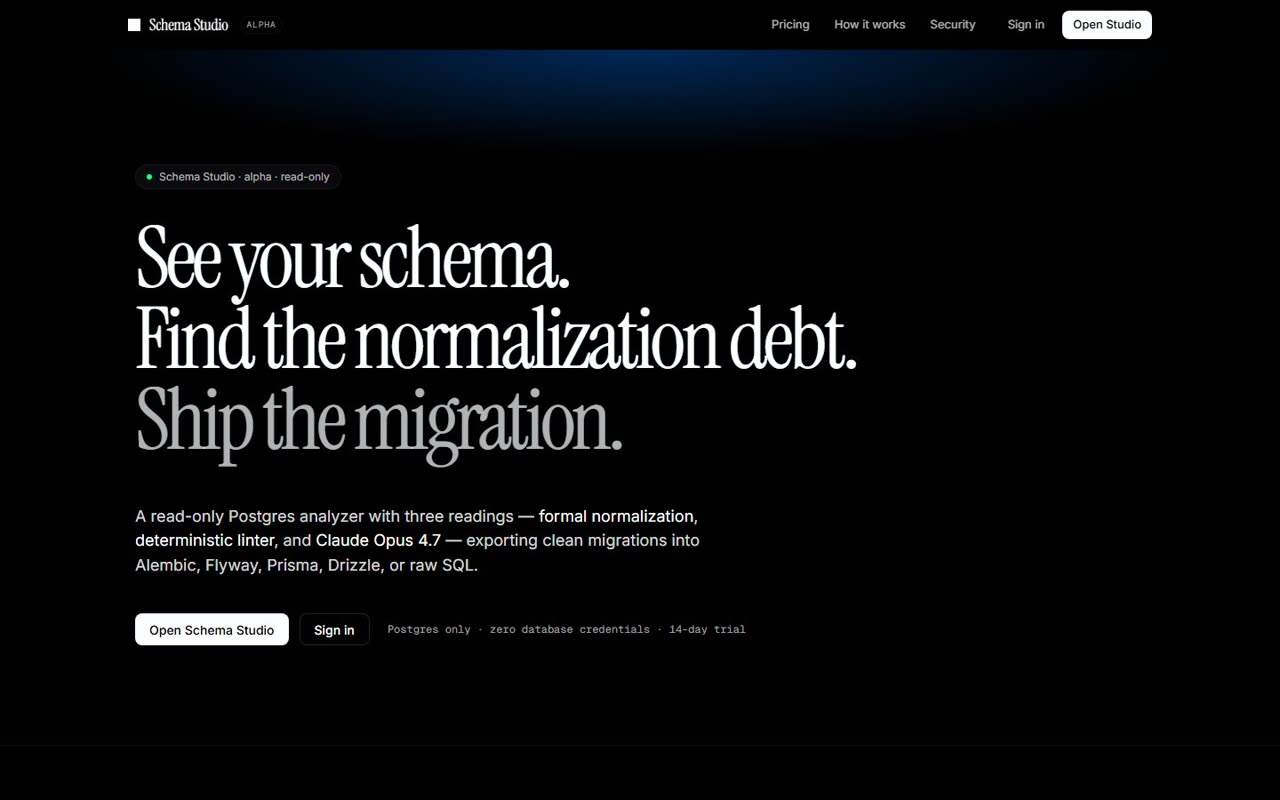
The five mistakeslive, 2 of 10 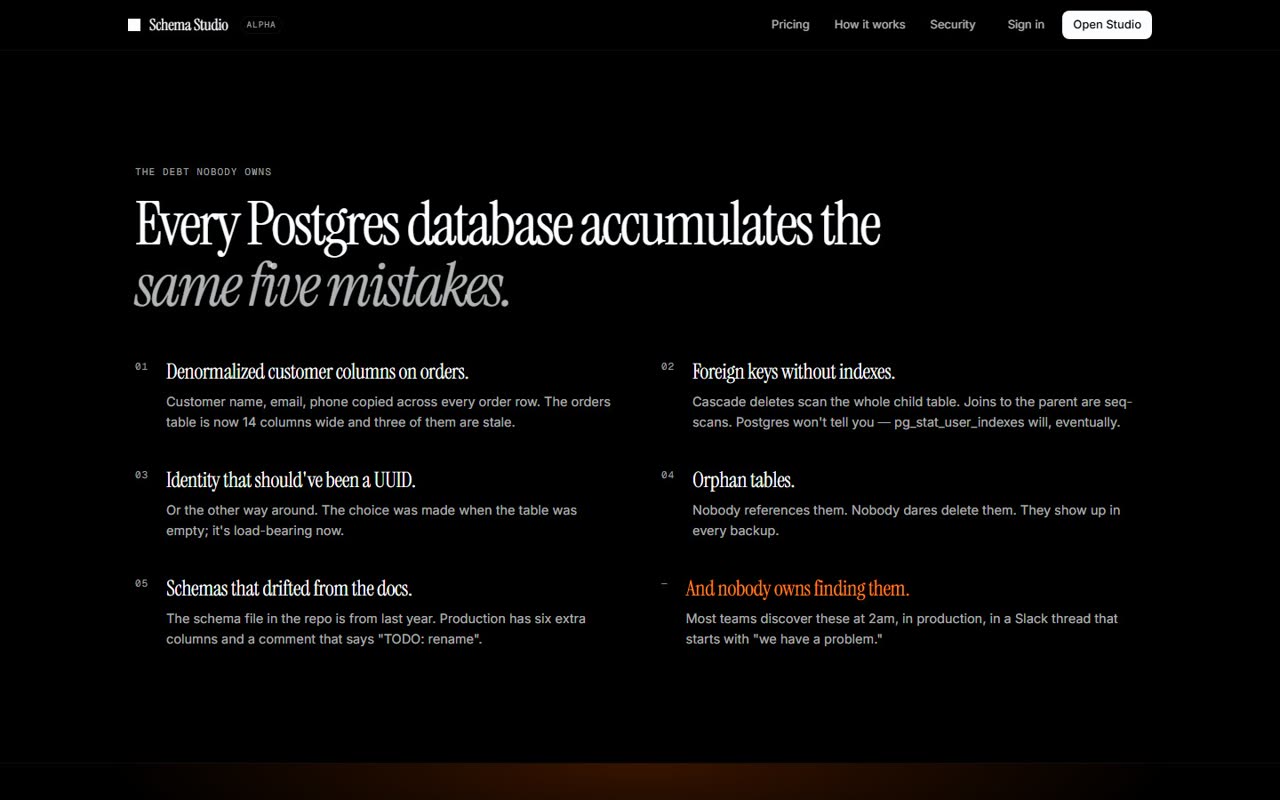
Three readingslive, 3 of 10 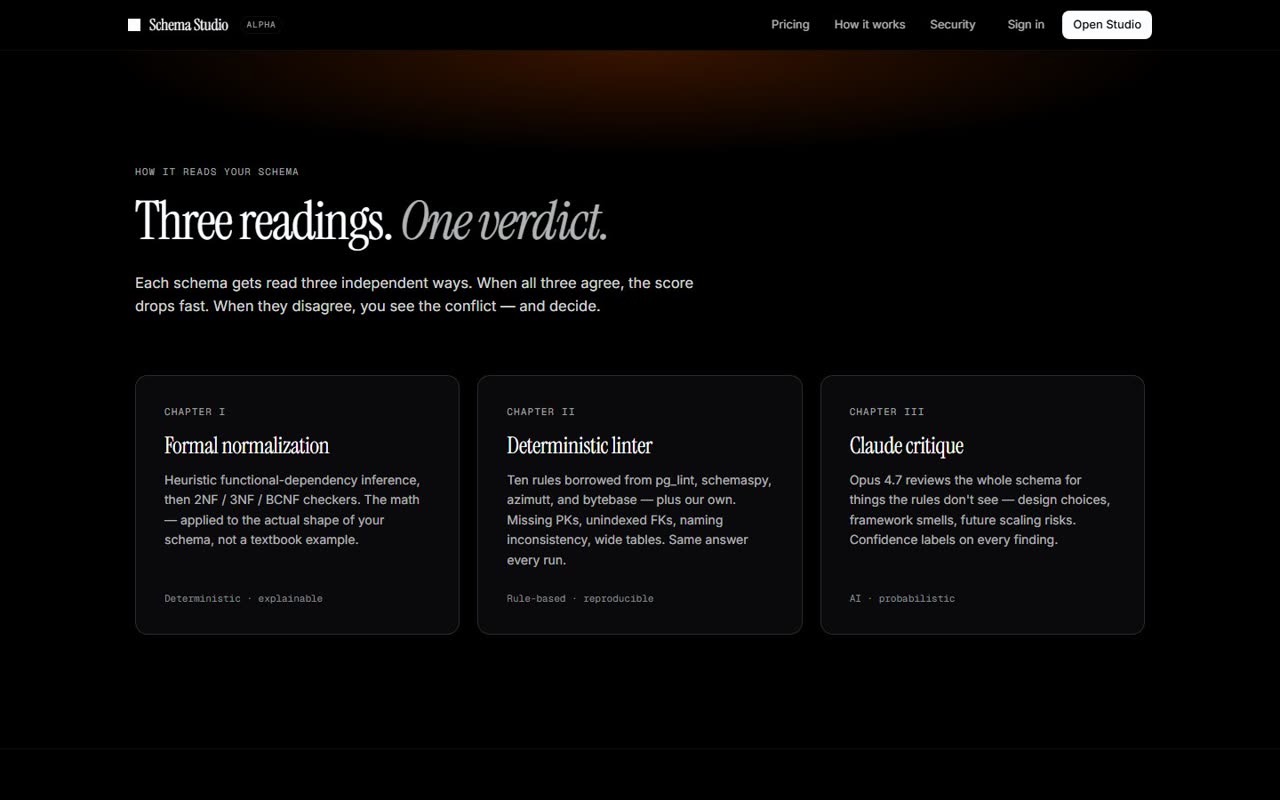
Canvaslive, 4 of 10 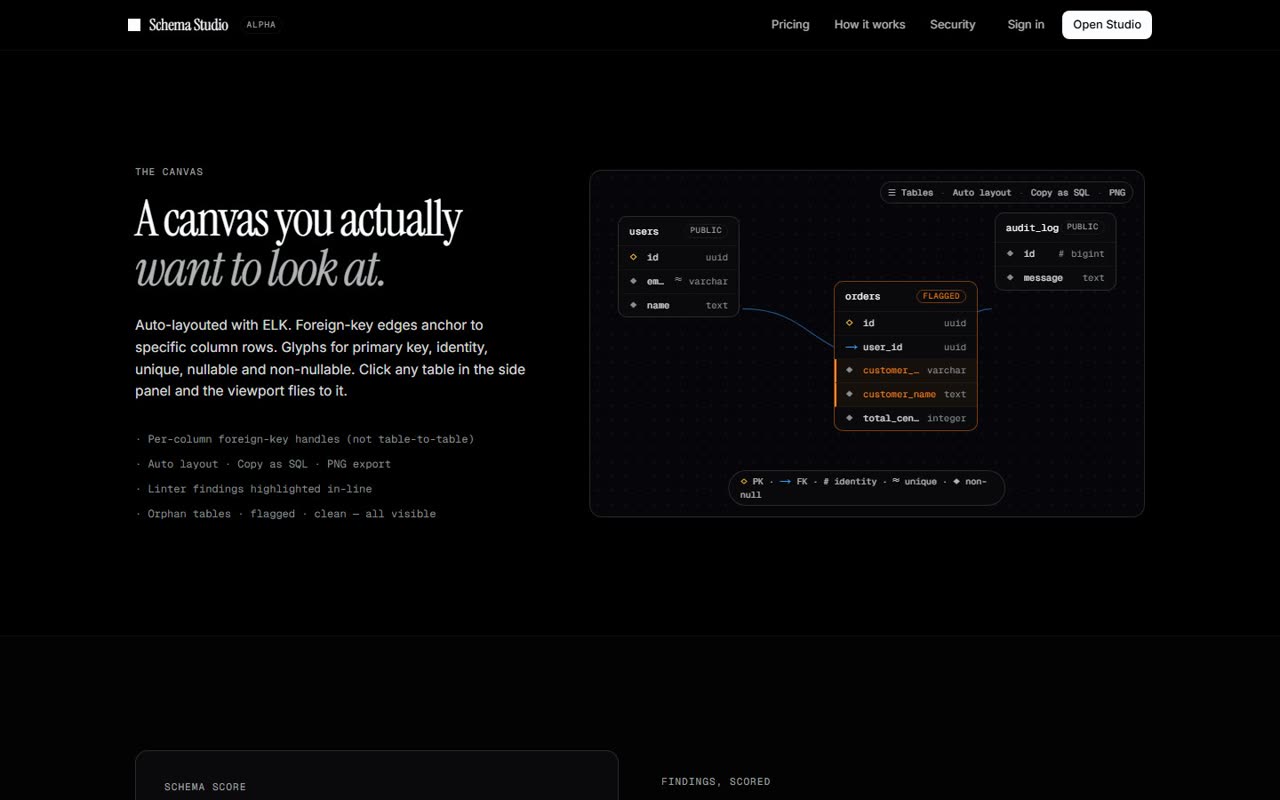
Scored findingslive, 5 of 10 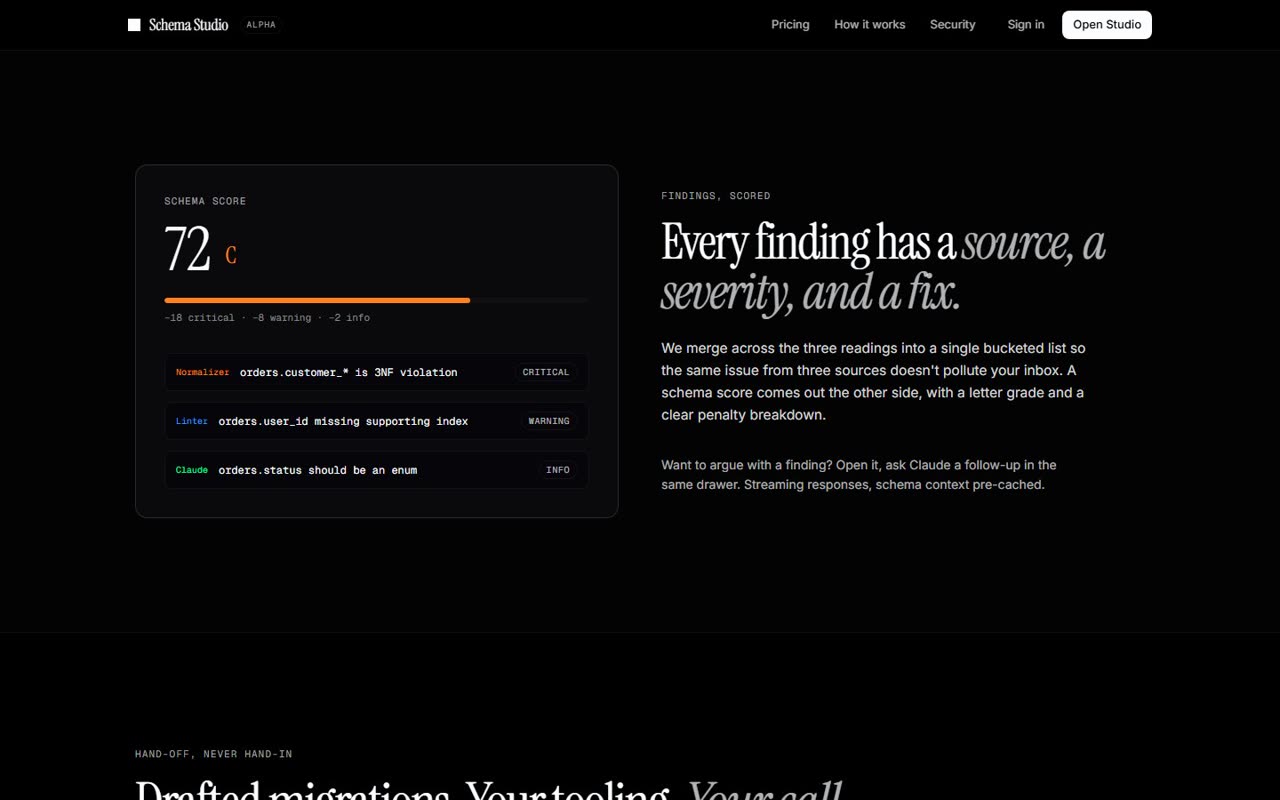
Migration draftslive, 6 of 10 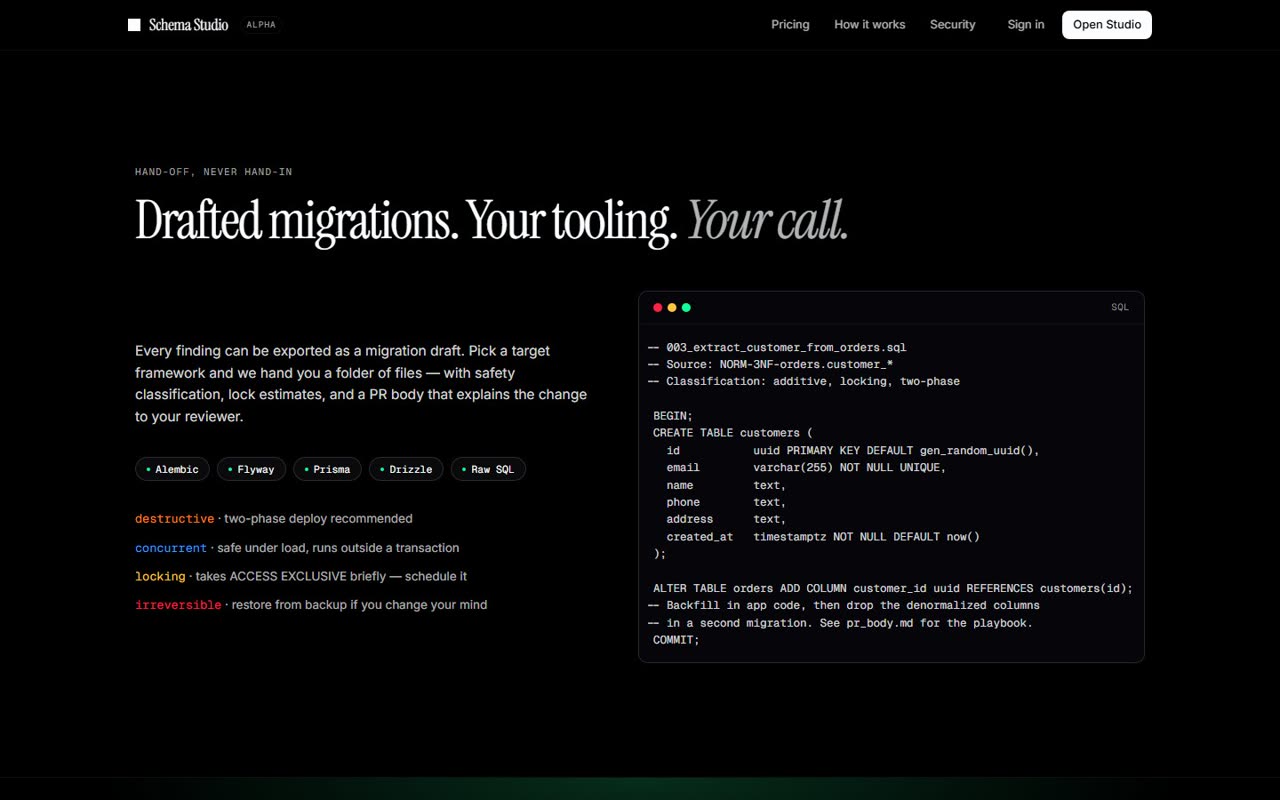
Zero credentialslive, 7 of 10 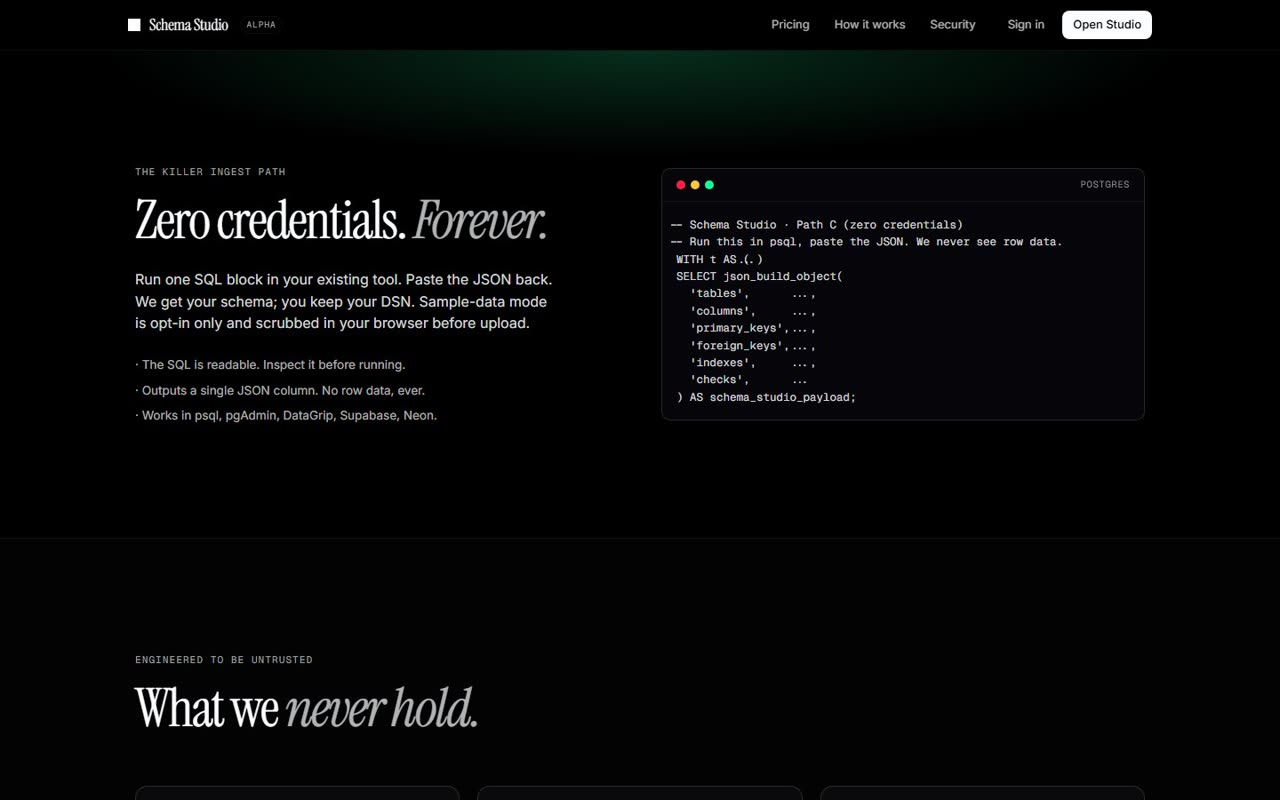
What is never heldlive, 8 of 10 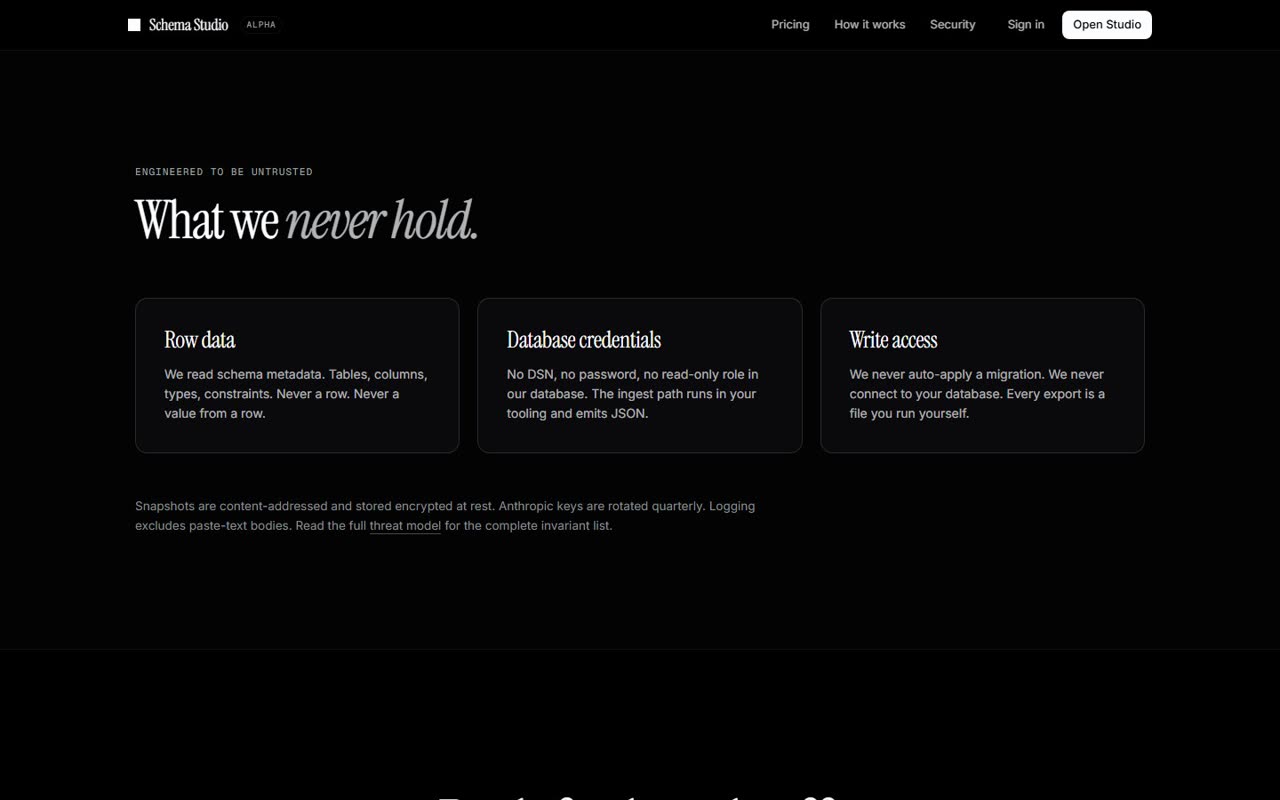
Hand-offlive, 9 of 10 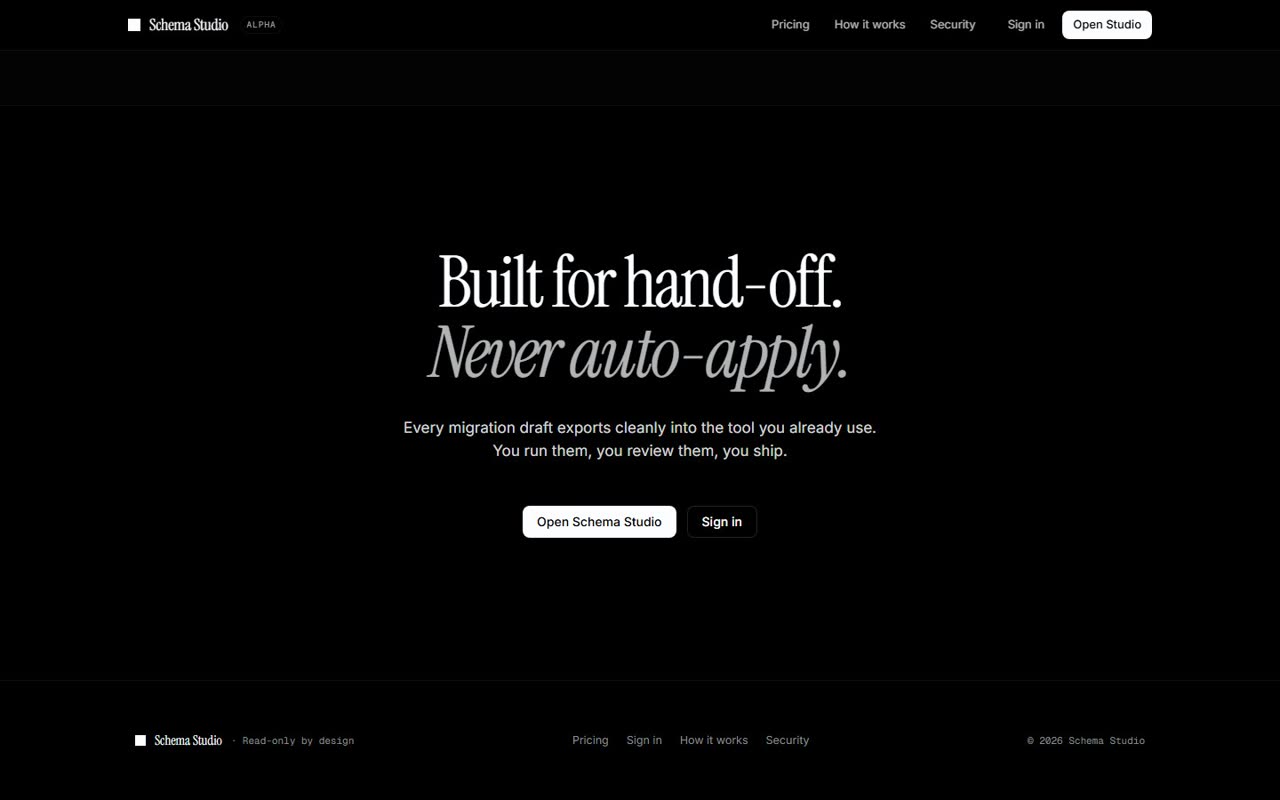
Pricinglive, 10 of 10 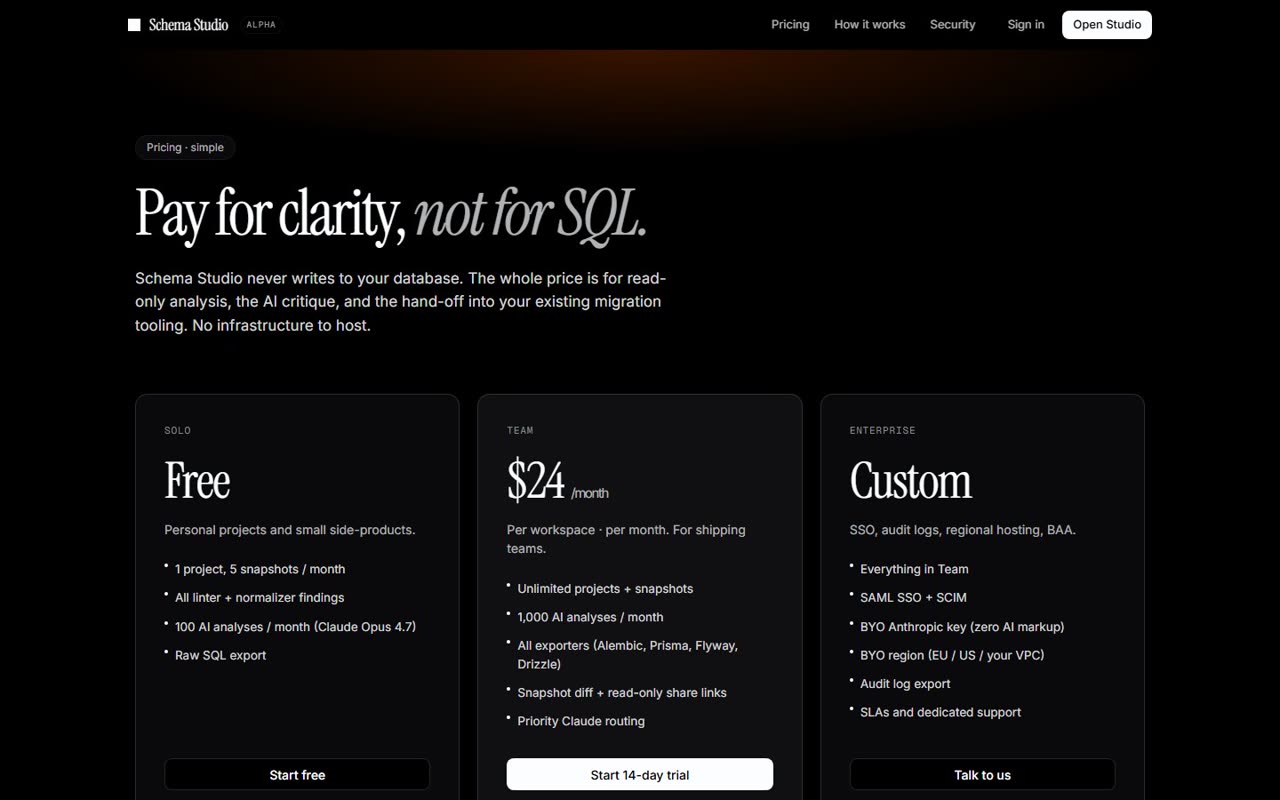
- The order the live site shows its pages.
- Where the live site presents a screen that was designed for the app.